Your next idea starts here · 50 welcome creditsExplore credits
THE BROWSER IMAGE WORKSPACE

Free ChatGPT Image 2.5
Generator Online

Create & edit images with sharper details and more consistent subjects.
Try one image without signing in. Get 50 free credits with Google sign-in.

Loading your image generator…
Try an idea
01 / CHOOSE YOUR STARTING POINT
PROMPT IDEAS

Choose a direction. Find your starting prompt.

Browse 16 reusable prompts, organized by what you want to make.

Open the prompt library ↗
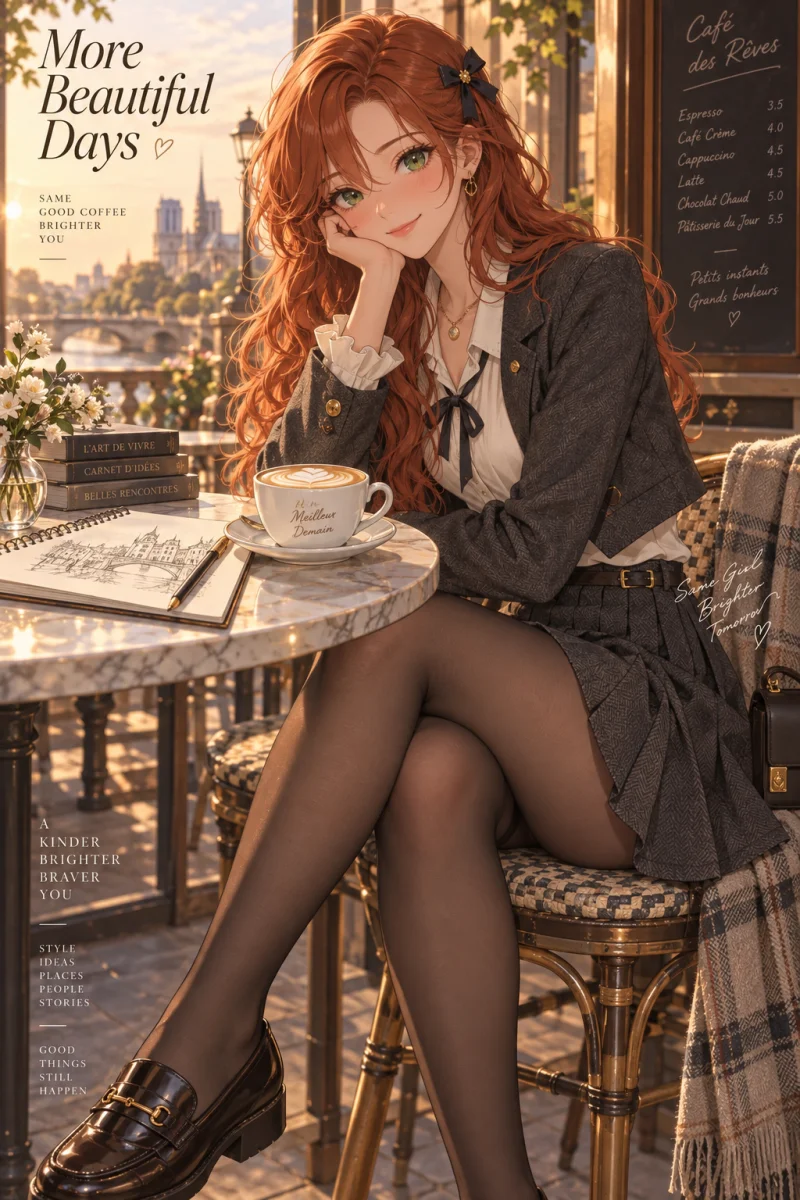
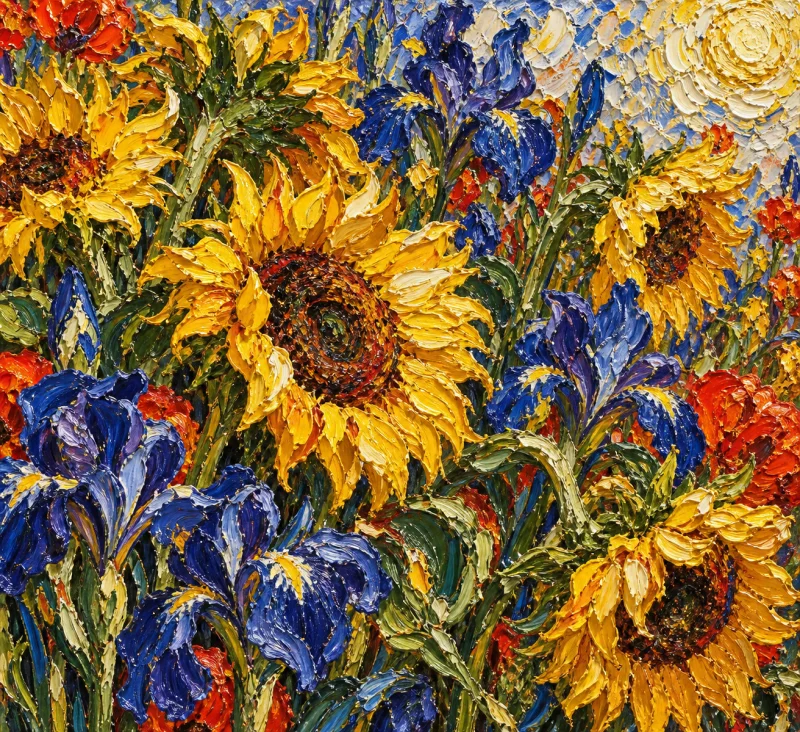
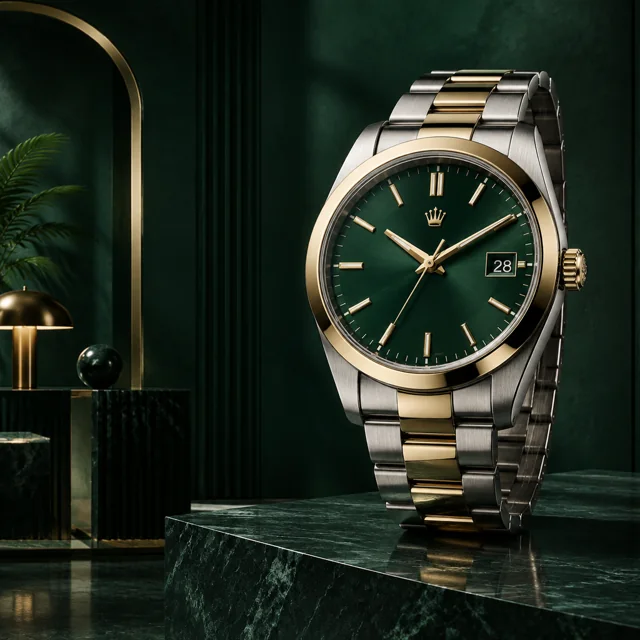
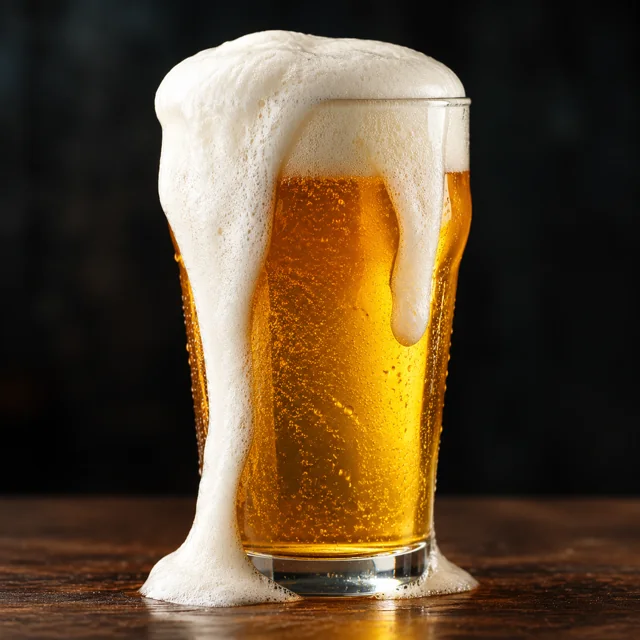
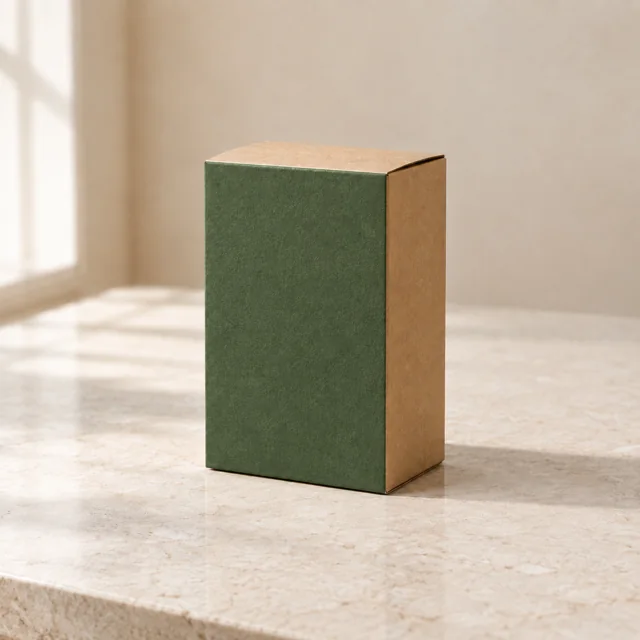
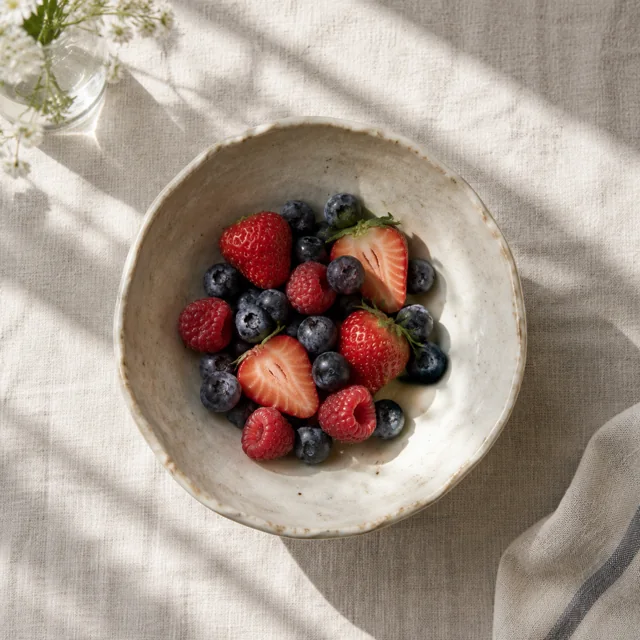
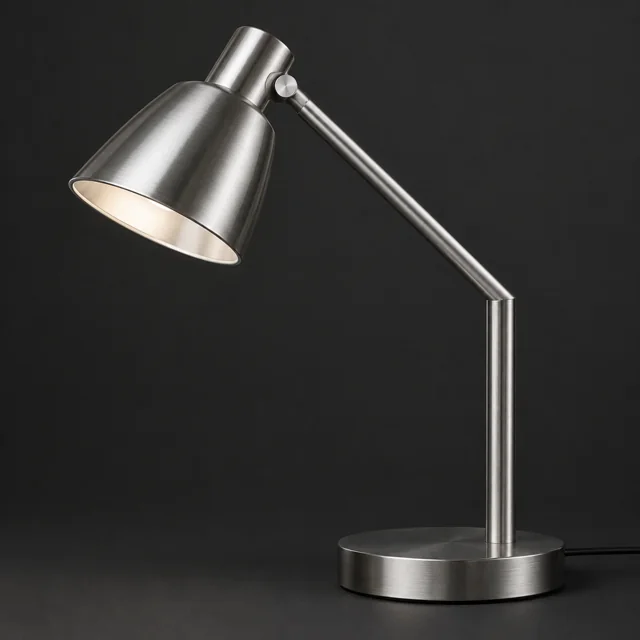
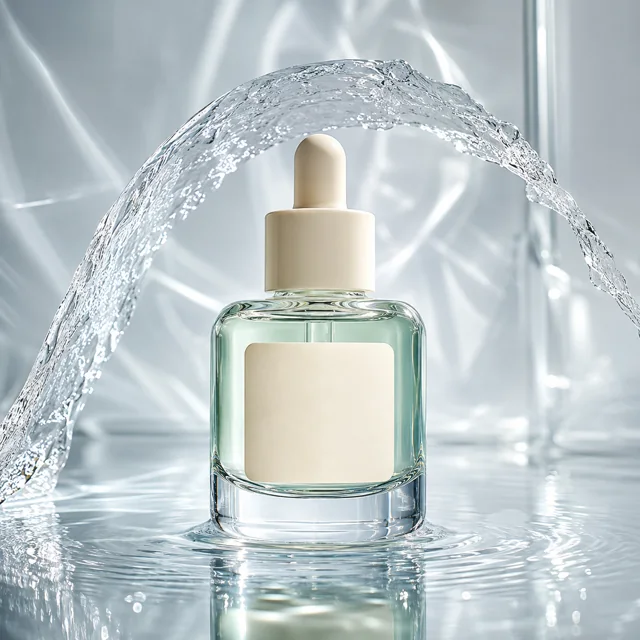
Product photos — real Flare output

Product photos

Explore studio lighting, materials and clean compositions.

Browse prompts ↗
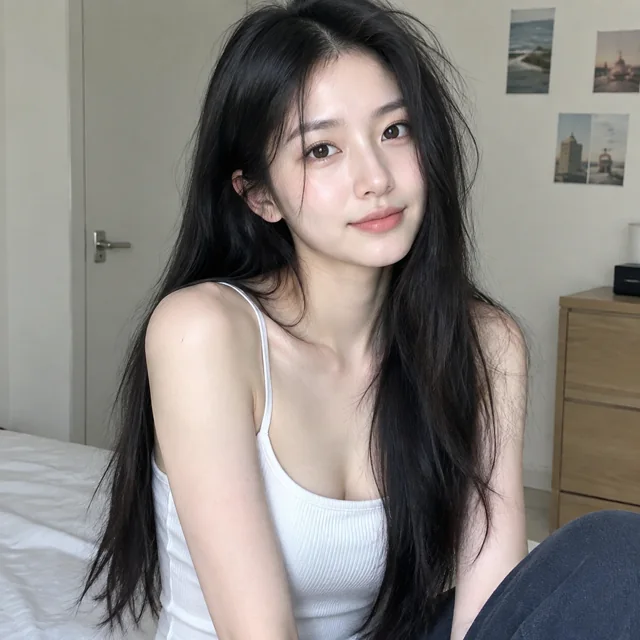
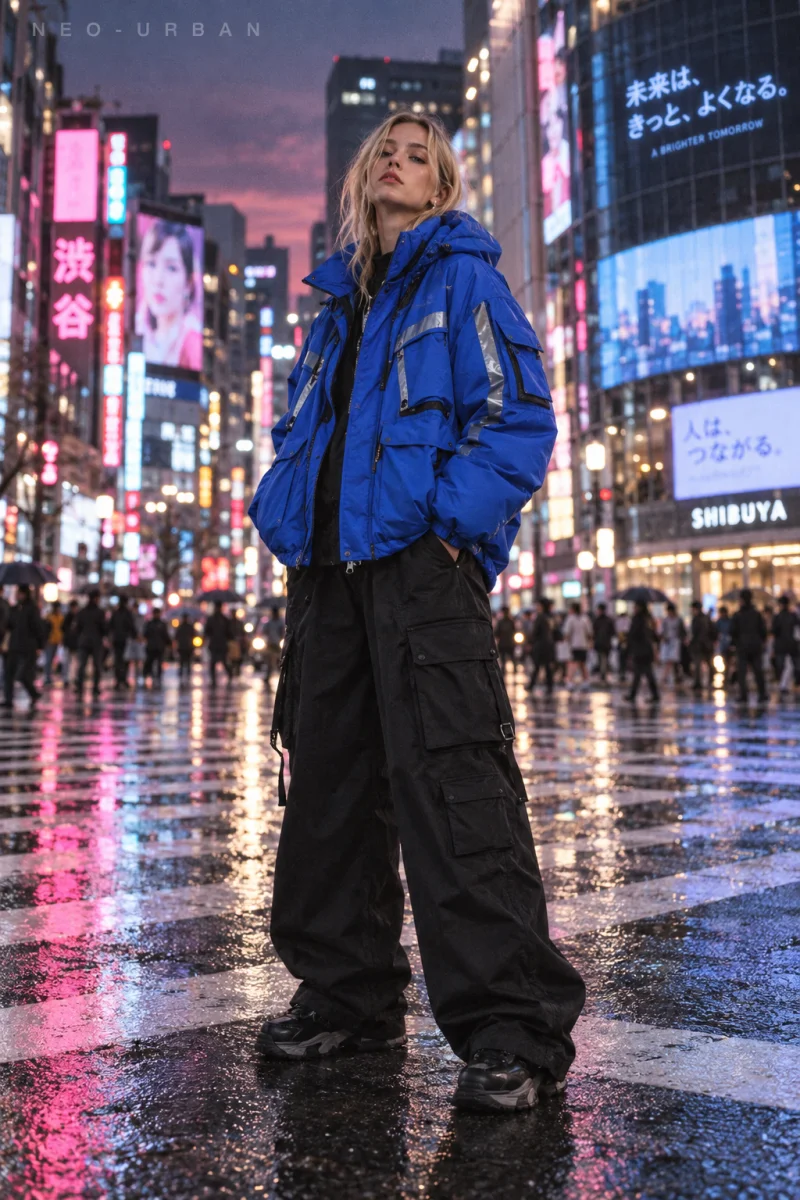
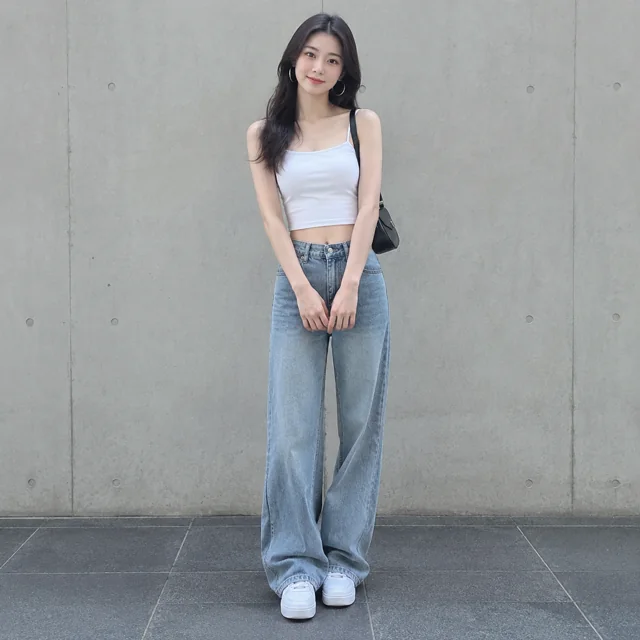
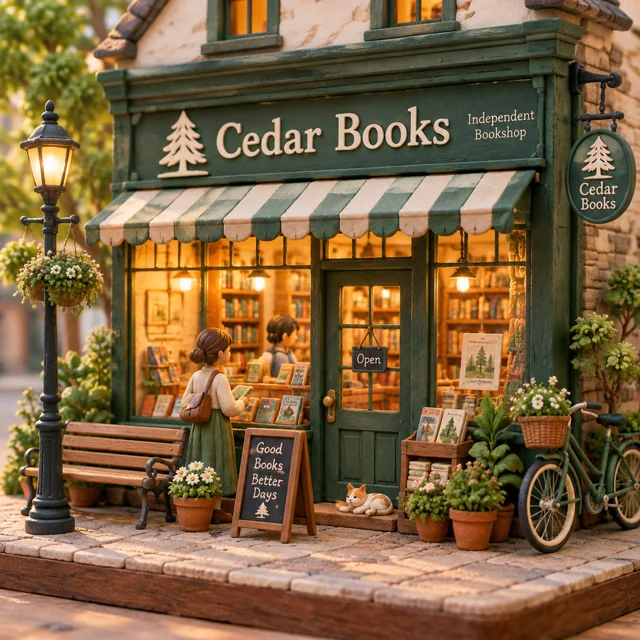
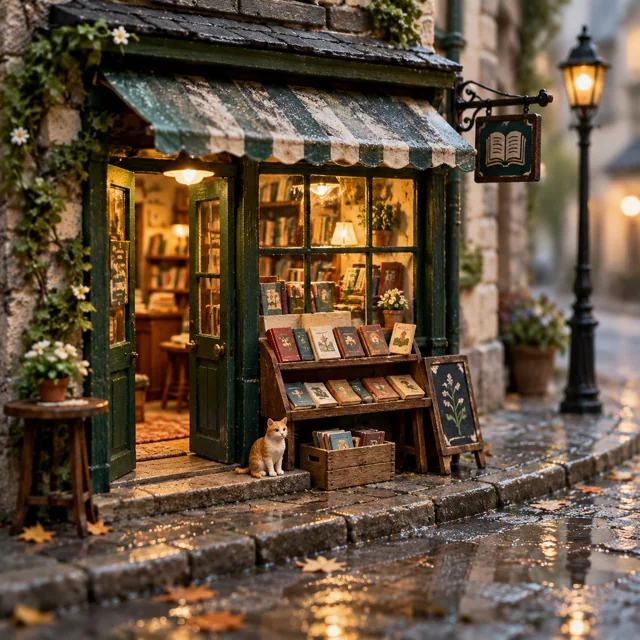
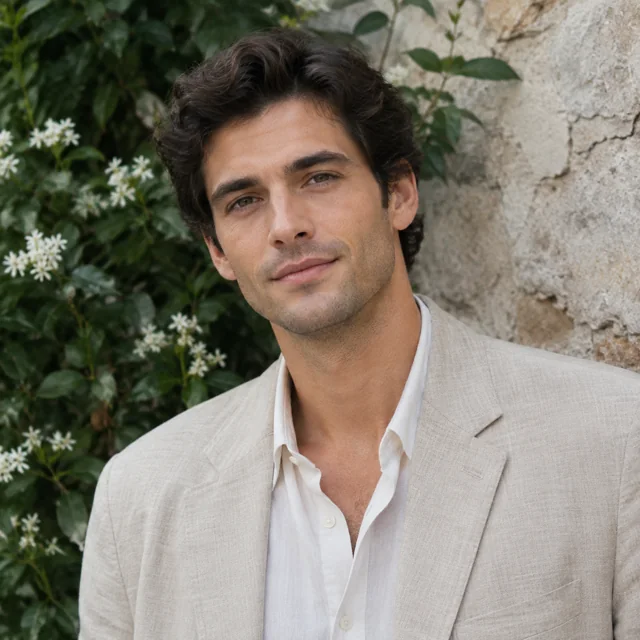
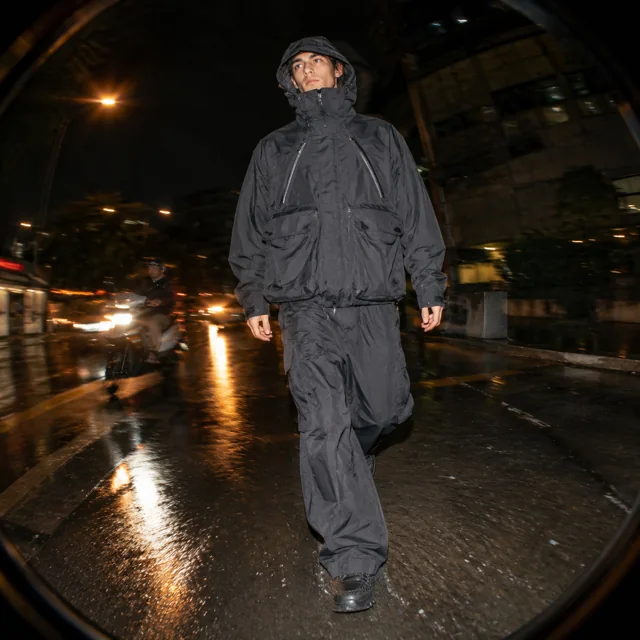
Portrait ideas — real Flare output

Portrait ideas

Start with framing, expression and a clear lighting direction.

Browse prompts ↗
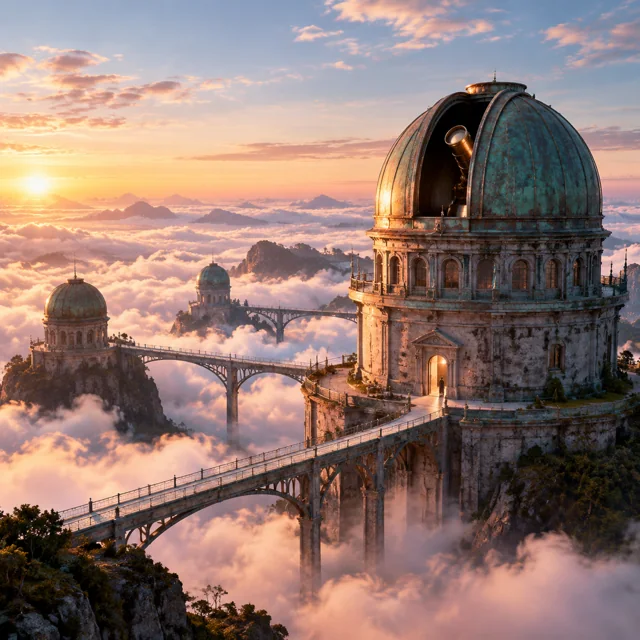
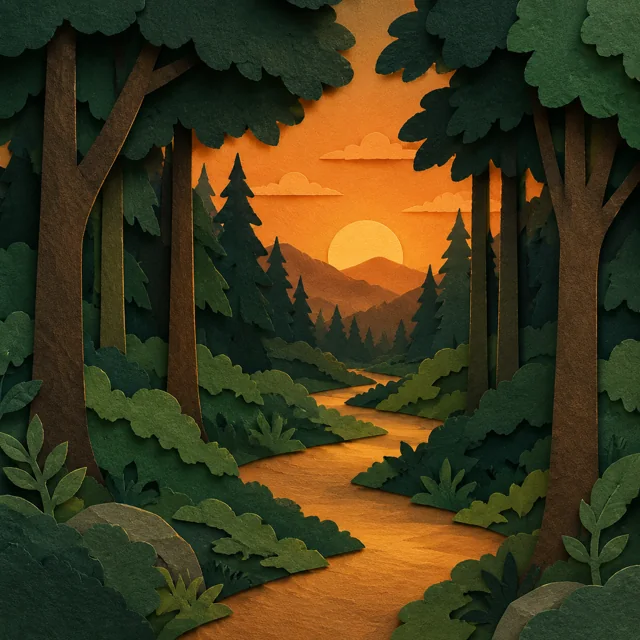
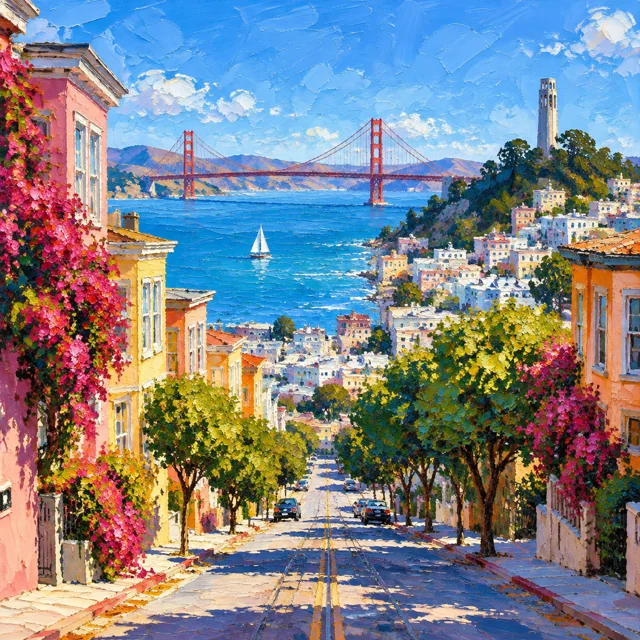
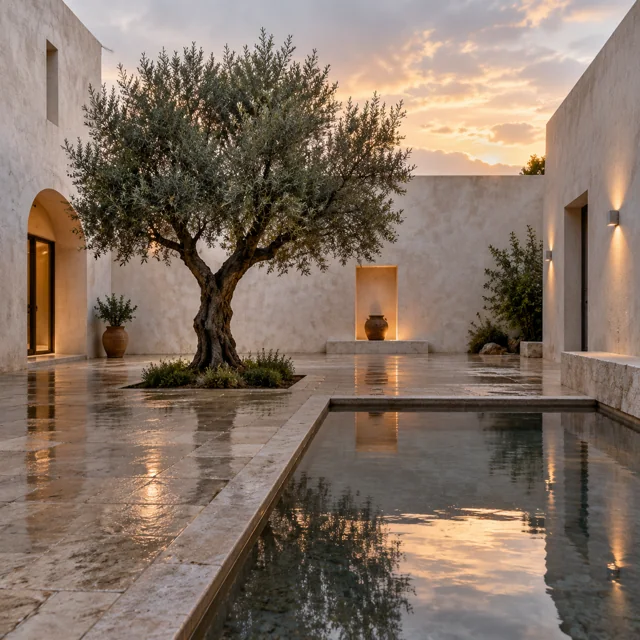
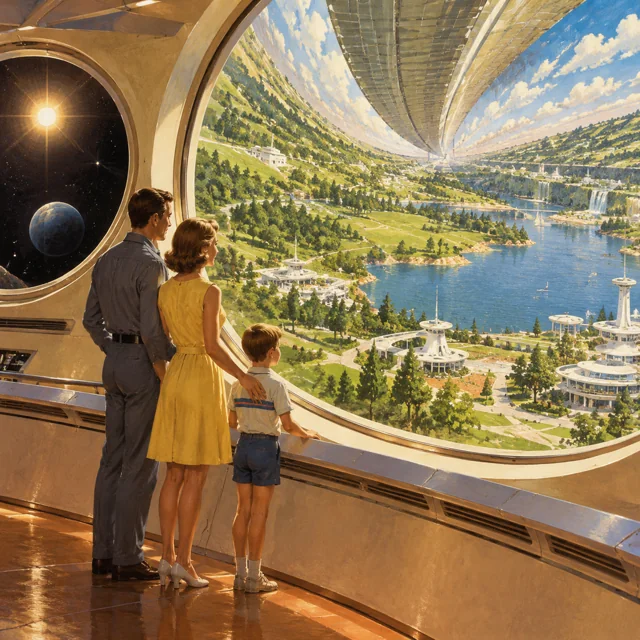
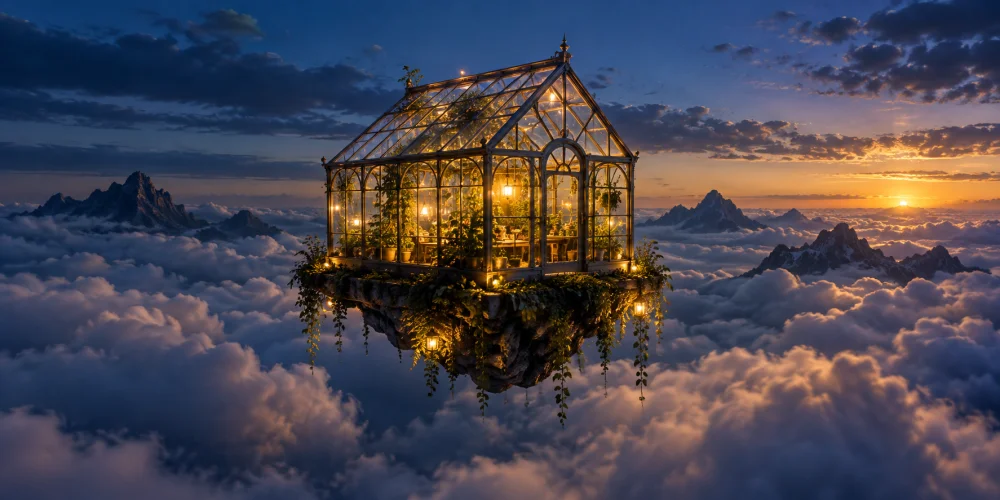
Imagined places — real Flare output

Imagined places

Build environments around a focal point and a camera position.

Browse prompts ↗
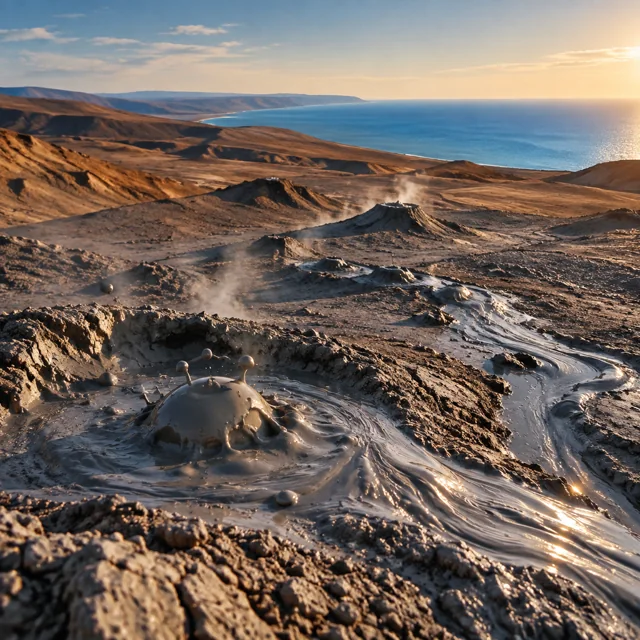
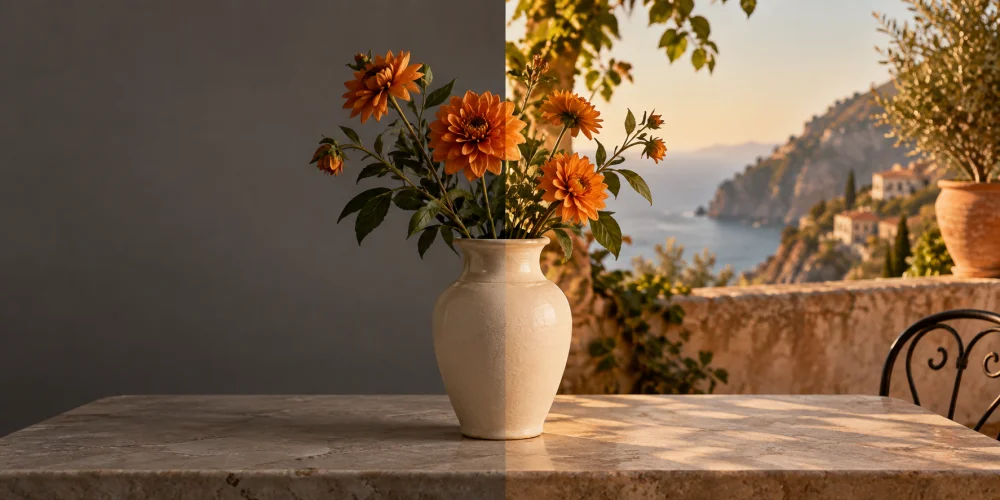
Sunlit canyon architecture generated with GPT Image 2.5 FlareGENERATED WITH GPT IMAGE 2.5 FLARE
04 / KEEP EXPLORING

Create and edit with
ChatGPT Image 2.5.

Turn a text prompt into an image, or bring a reference photo and describe your changes. Keep your prompts and results together for the next edit.

01

Sharper details

Create images with natural lighting and rich textures using GPT Image 2.5 Flare.

02

Precise, prompt-led edits

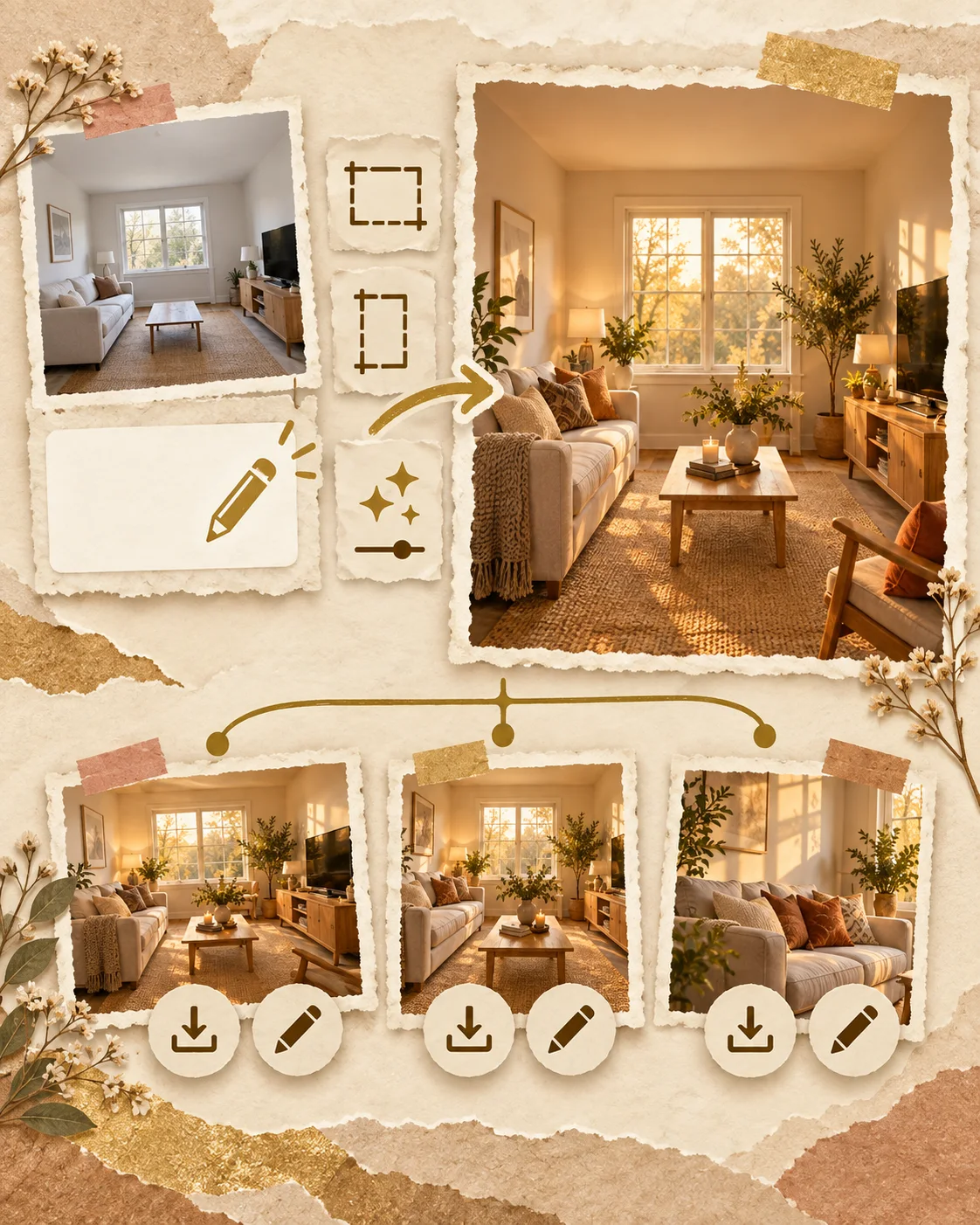
Upload your photo and describe the changes. Refine an image with reference-based editing.

03

More consistent subjects

Use reference images to help preserve faces and subjects across edits. Results vary with your inputs and instructions.

Open the complete workspace ↗
05 / FROM FIRST THOUGHT TO FINAL IMAGE

How to use ChatGPT Image 2.5 for free

01 / DESCRIBE

Enter your prompt

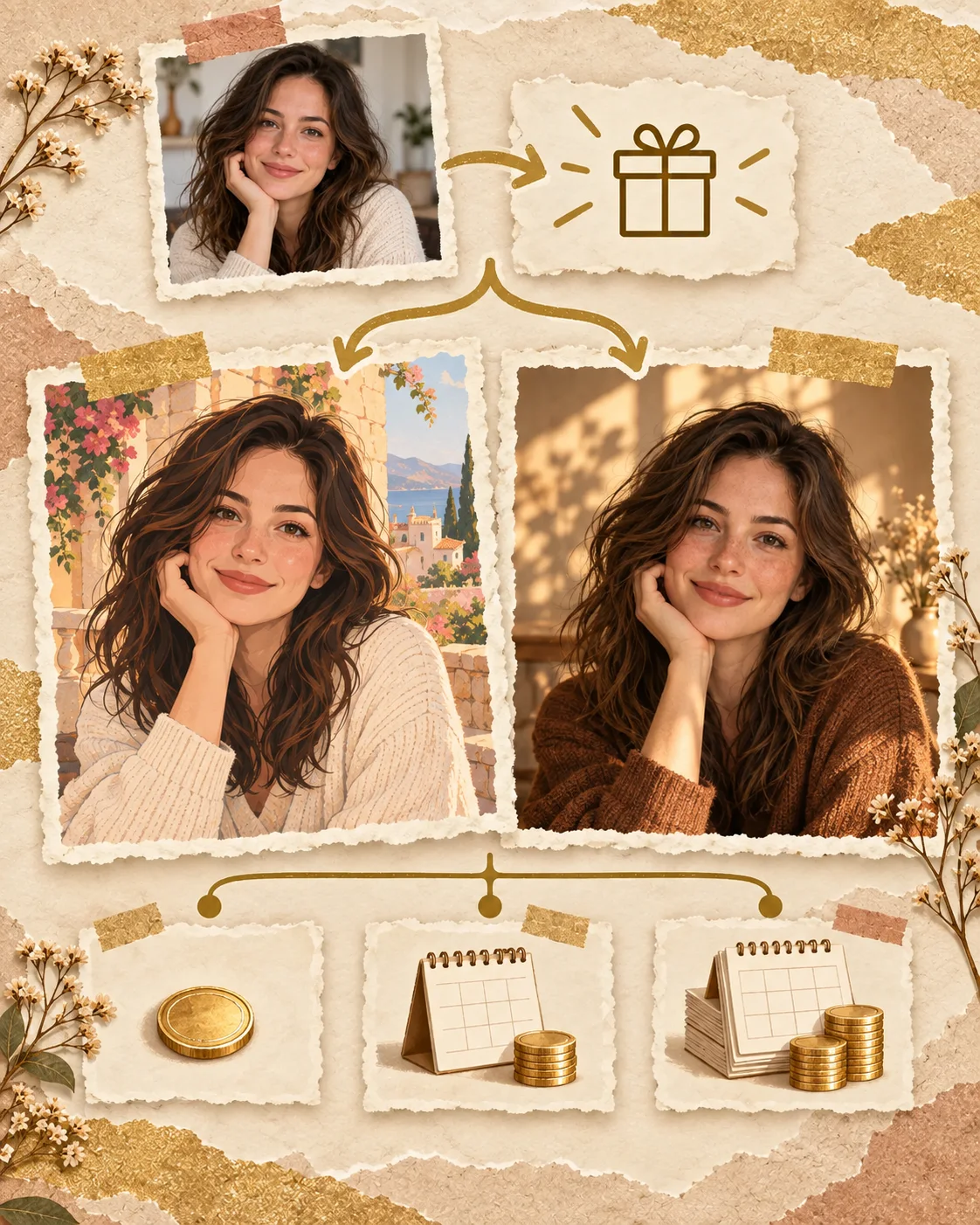
Start with one free square image: write a prompt or add one reference photo for an edit. Then sign in with Google to receive 50 welcome credits and more options.

02 / CREATE

Generate your image

Generate an image and follow its progress. Your result saves to your library.

03 / REFINE

Download or keep editing

Download a result, save a favorite, or use it in your next edit.

WHY IMGKICK

Start free. Create in your browser.

01 / FREE TO START

50 welcome credits

Try up to five images at low or auto quality with your welcome credits. Claim 10 daily credits when you return. Usage limits apply.

02 / NO CHATGPT SUBSCRIPTION

Try before signing in

Try one square image without signing in. The trial allows one submission per browser and network within 30 days, with limited daily capacity. Choose generation or editing with one reference for this shared trial. Sign in for five low-quality images and saved account access.

03 / PAY AS YOU GO

No automatic renewal

Buy 500 more credits for US$5 when you need them. Review our terms and the rights in your images before commercial use.

06 / ROOM FOR YOUR NEXT IDEA

Start creating.
Keep going when you’re ready.

50 welcome credits. 10 daily credits to claim.
Image quality uses 10–50 credits per image.

Try the generator ↗
ONE-TIME CREDIT PACK
$5USD · one-time

500 image credits

No subscription. No automatic renewal.

Refund policy
YOUR CREATIVE SPACEStudio & personal libraryOpen workspace +
IMAGE STUDIOGPT IMAGE 2.5 FLARE

Make your first prompt easier to follow

Describe the image, not just a style

Start with one clear subject and say what it is doing. Add the setting, framing and light that matter to your idea. “A ceramic cup on a cream pedestal, soft side light, square product photograph” gives the model a concrete composition. Keep the first version simple so you can see which part of the instruction needs work.

Change one thing at a time

For an edit, describe what should change and what should stay. Ask for a new background while preserving the subject, or a different material while retaining the camera angle. Compare each result with your reference before adding more instructions. Smaller changes make it easier to understand why a version succeeded or drifted.

Choose quality for the task

Use low or auto quality to explore a direction before spending more credits on a finished image. Review faces, lettering and fine edges at full size. A higher setting is not a guarantee that every detail will be correct. Keep the prompt and reference that produced the most useful result so your next iteration has a clear starting point.

For a more focused workflow, open the photo editing guide, browse the prompt library, or read the version comparison. Each guide explains the controls available here and the limits to consider before generating.

YOUR QUESTIONS, ANSWERED

ChatGPT Image 2.5 FAQ

Read OpenAI’s model announcement ↗

What is ChatGPT Image 2.5?

ChatGPT Images 2.5 is OpenAI’s image generation and editing release. ImgKick uses GPT Image 2.5 Flare to turn prompts and reference photos into images. ImgKick is an independent service, not an OpenAI product.

Is ChatGPT Image 2.5 free?

You can try it on ImgKick with 50 free welcome credits after Google sign-in. One guest image is also available without signing in, subject to trial limits. Low or auto quality costs 10 credits per image, so welcome credits cover up to five images. You can claim 10 promotional credits daily. Higher quality costs more; usage limits apply.

How to use ChatGPT Image 2.5 free online?

Enter a prompt in the homepage generator and optionally add one reference photo for an edit. Try one square low-quality image without signing in, subject to trial capacity. Sign in with Google for 50 welcome credits and more formats. Completed images appear in your personal library to download or edit again.

ChatGPT Image 2.5 vs GPT Image 2 — what’s new?

OpenAI describes sharper details, more reliable editing and better preservation of reference subjects. OpenAI reports generation latency reduced by up to 50% compared with Images 2.0. This is a model comparison, not a guarantee that ImgKick is faster than ChatGPT.

Can I use the images commercially?

You are responsible for checking rights in your inputs and outputs before commercial use. AI outputs may not be unique and can include protected material. ImgKick does not guarantee copyright ownership or clearance of third-party rights. Review our Terms before use.

Can I edit my own photos with it?

Yes. Upload up to four PNG or JPEG reference photos, up to 10 MB and 20 megapixels each, and describe your changes. ImgKick supports reference-based editing; a separate upscaler, brush-based inpainting and Sketch tool are not currently available. References are shared with the image provider for processing.

How fast is image generation?

Timing depends on quality, image complexity and provider load. ImgKick shows task progress and saves completed results to your library. OpenAI’s up-to-50% latency improvement compares Images 2.5 with Images 2.0; it is not an end-to-end speed guarantee for this website.

Do I need an OpenAI account?

No. You do not need an OpenAI account, ChatGPT subscription or personal API key. Try one square low-quality image without an account, subject to browser, network and daily capacity limits. Google sign-in unlocks 50 welcome credits, up to four references, purchases and your personal library.

What image sizes and quality are supported?

Choose square (1024 × 1024), landscape (1536 × 1024) or portrait (1024 × 1536). Quality options are auto, low, medium, high, xhigh and max, costing 10–50 credits per image. Options and outputs depend on provider availability.

ONE PROMPT AWAY

Try ChatGPT Image 2.5
for free today.

Start free ↗